Account & credits
Sign in before generating. Models and humans spend credits. Chat uses minutes converted from credits.

How credits work
$1 = 10 credits, sold in fixed packs. 50 credits are gifted each month and reset at month end. API balance is separate and cannot move.
| Task | Credits |
|---|---|
| SQ / HQ model | 10 / 15 |
| Digital human / voice clone | 15 / 20 |
| PLY / STL / FBX export | 10 / 25 / 30 |
| Convert 100 minutes of chat duration | 25 |
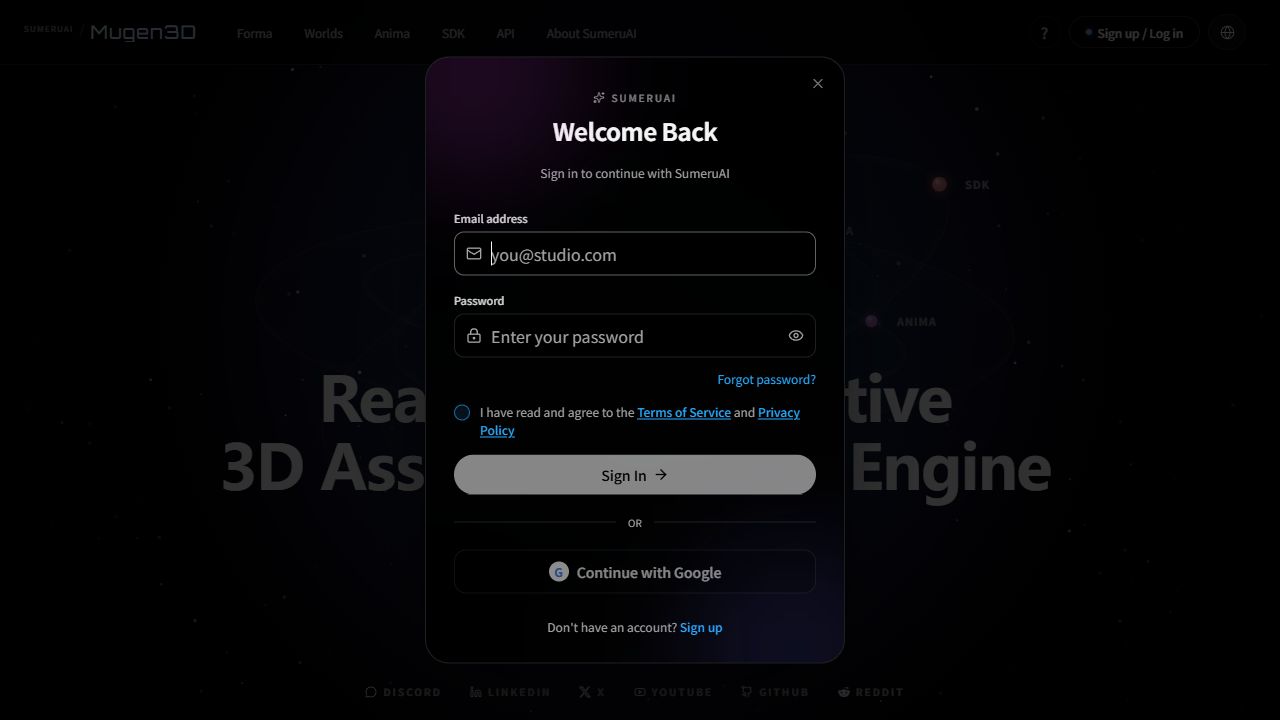
- Sign up or log inClick Sign up / Log in at the top right. Enter your email address and password, read and accept the agreements, then sign in. New users can choose Sign up to create an account.
- CreditsGeneration and export follow the table. After sign-in, the account panel shows balance, top-up, and conversion.
- Chat durationCredits are not spent during a chat. Convert a minute pack first. Live chat then uses minutes.